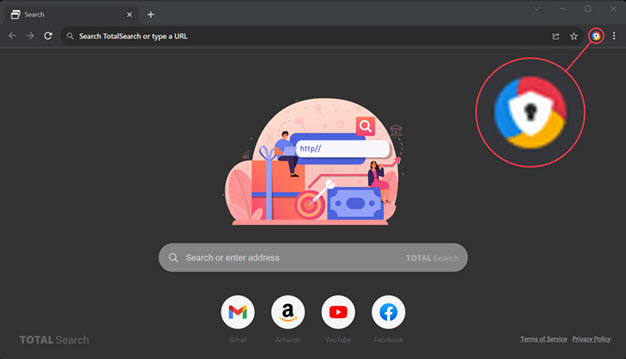
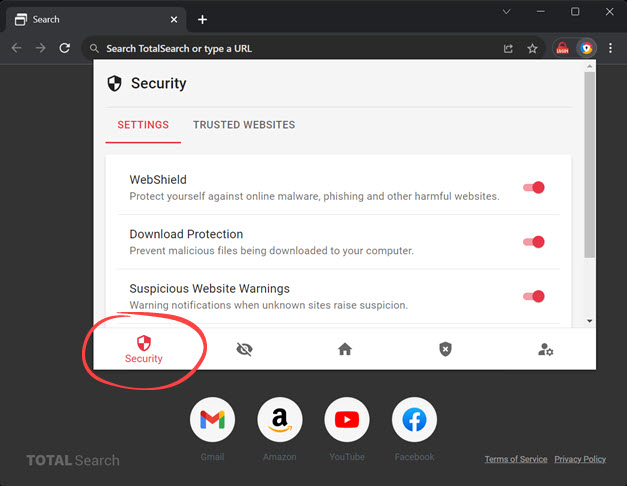
WebShield
Protect yourself against online malware, phishing and other harmful websites. WebShield uses cloud-based technology to make sure you don't visit harmful websites, no matter how old (or young!) the website.
Download Protection
Prevent malicious files being downloaded to your computer. Browse with peace of mind that malicious files will be stopped before they are even downloaded to your computer.
Suspicious Website Warnings
Provides warning notifications when unknown sites raise suspicion.
Data Breach Warnings
Provides warning notifications when visiting a website that has been involved in a data breach.